
Simple everyday billing and stock for neighbourhood stores.
Designed around products, stock, purchases, customer balances, billing and sales insights.
The POS should feel familiar to the people using it.
The Puravigal POS foundation stays consistent while the business context shapes the way the workflow is presented.
Keep the checkout process focused on what your team actually needs.
Let sales and purchases feed the stock picture instead of maintaining it separately.
Keep customer history and balances close to the transactions that created them.
See the information needed to make better day-to-day decisions.
What Puravigal POS brings together.
Start with the core. Add the depth your business needs.
Puravigal POS is being designed so the core product remains simple while business-specific workflows can become more specialised over time.
- Shared Puravigal POS foundation
- Business-type-aware workflows
- Clear daily operations
- Product roadmap built around customer needs
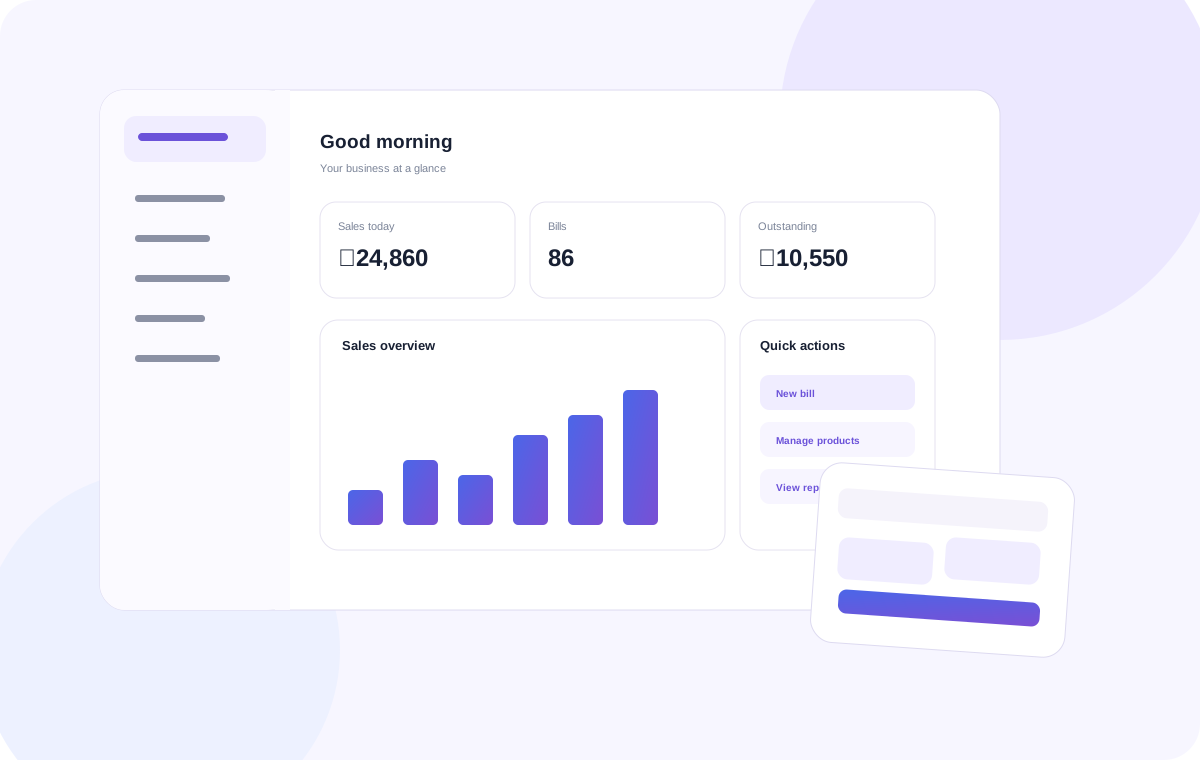
Ready to make your grocery & provision stores workflow simpler?
Start with the Standard experience.
Frequently asked questions
Useful points to consider when choosing POS software for this type of business.
What should grocery store billing software include?
Look for straightforward billing, product records, stock tracking, purchase entries and reports that help the owner understand daily sales.
Is POS useful for a small provision store?
A POS can help a small provision store keep billing and stock information together, provided the workflow fits its product range and selling practices.
What if my grocery shop sells products by weight?
Before choosing software, confirm support for your weighing scale, barcode labels, units and weighing-based billing workflow. These requirements vary by setup.
How can I choose affordable grocery POS software?
Compare the actual features you need, ease of use, hardware compatibility, support and monthly or yearly total cost. Avoid paying for capabilities your shop will not use.