
One POS. Different ways to run a business.
The Puravigal POS core stays simple. The experience can adapt around the products, people and workflows that make each business different.
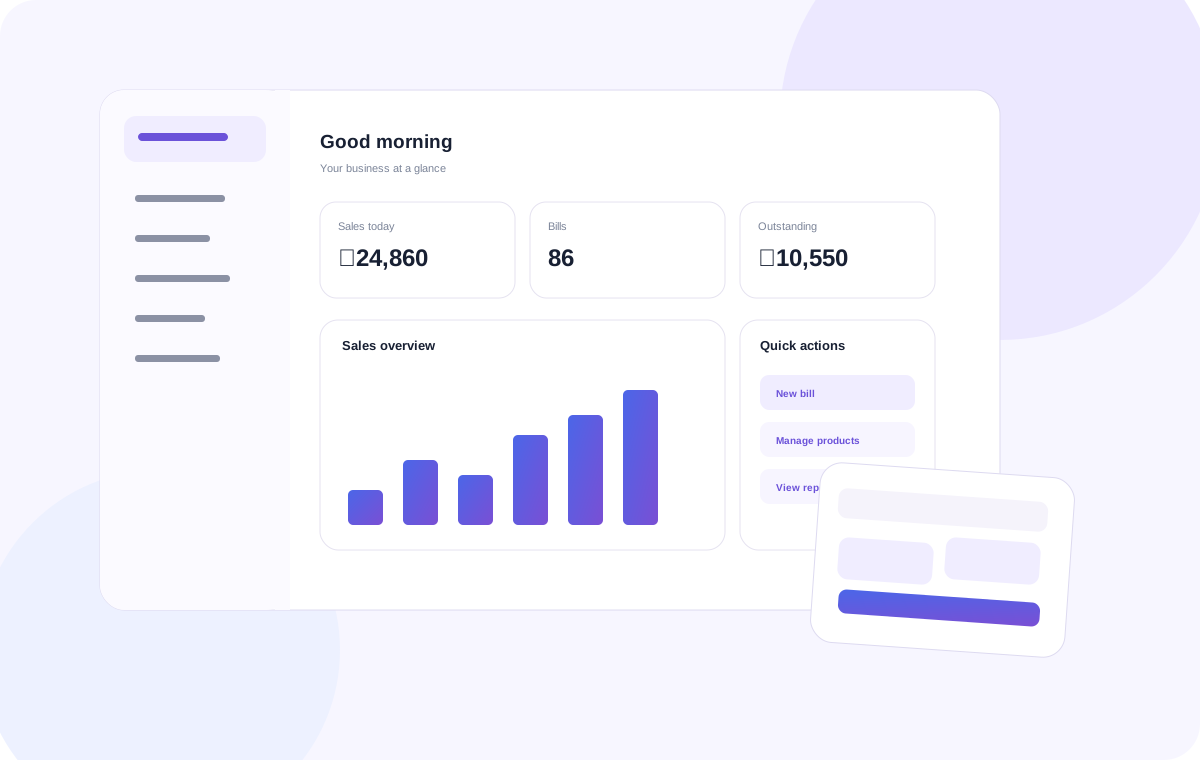
Pick the workflow closest to your business.
Start with a familiar setup, then configure the product around the way you work.
Retail shops
Products, billing, inventory, purchases and customer sales for everyday retail.
Explore retail →
Restaurants
Fast billing and practical operations for small restaurants and food businesses.
Explore restaurant →
Cafés
Simple counter workflows for cafés and quick-service businesses.
Explore café →
Mobile shops
Manage devices, accessories, prices, stock and customer purchases.
Explore mobile shop →
Supermarkets
Organise wider catalogues, stock, purchases and faster checkout.
Explore supermarket →
Grocery & provision stores
A practical POS for neighbourhood stores and everyday grocery sales.
Explore grocery →Different businesses should not need completely different software.
Billing, products, inventory, customers and reports stay connected.
Menus, product types, checkout habits and business operations can shape the experience.
More verticals and deeper workflows can be added without rebuilding the product from scratch.
Frequently asked questions
Clear answers to common questions about choosing and using POS software.
Can one POS product support different business types?
A shared POS foundation can support different businesses when the product catalogue, billing flow, stock process and reporting fit each business's real needs.
Which business types does Puravigal POS cover on this site?
The current business-type pages cover retail shops, restaurants, cafés, mobile shops, supermarkets and grocery or provision stores.
Should I choose POS software by industry or by features?
Use both: choose a product that fits your industry workflow, then confirm it supports the billing, stock, purchase, reporting and hardware requirements you actually have.
How can I compare POS products for my business?
Write down your checkout steps, stock rules, payment methods, reporting needs, devices and budget, then test those requirements against the vendor's current product.