
A practical POS for fast billing and everyday restaurant operations.
Designed around billing, products, payments, sales visibility and customer workflows.
The POS should feel familiar to the people using it.
The Puravigal POS foundation stays consistent while the business context shapes the way the workflow is presented.
Keep the checkout process focused on what your team actually needs.
Let sales and purchases feed the stock picture instead of maintaining it separately.
Keep customer history and balances close to the transactions that created them.
See the information needed to make better day-to-day decisions.
What Puravigal POS brings together.
Start with the core. Add the depth your business needs.
Puravigal POS is being designed so the core product remains simple while business-specific workflows can become more specialised over time.
- Shared Puravigal POS foundation
- Business-type-aware workflows
- Clear daily operations
- Product roadmap built around customer needs
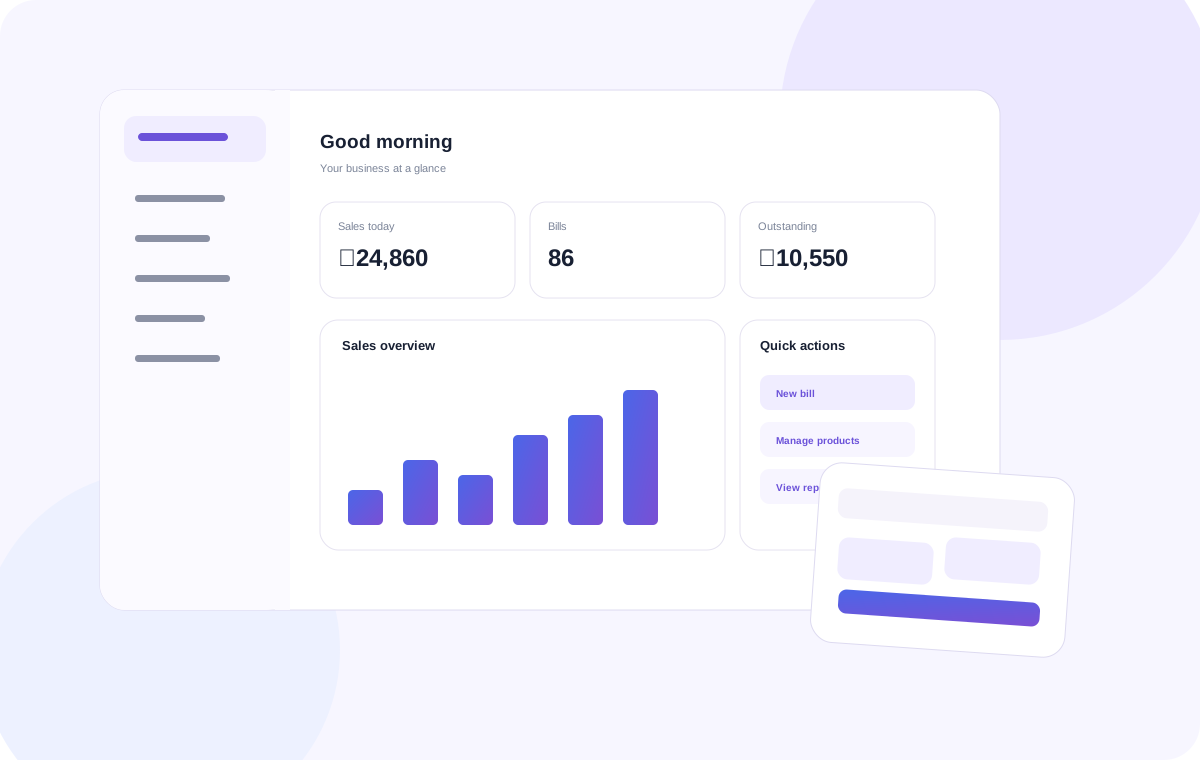
Ready to make your restaurants workflow simpler?
Start with the Standard experience.
Frequently asked questions
Useful points to consider when choosing POS software for this type of business.
What should a restaurant POS system help with?
A restaurant POS should make checkout straightforward and help the business keep sales, product or item records, purchases and daily performance organised.
Is Puravigal POS suitable for small restaurants?
Puravigal POS is being built for micro and small businesses, including restaurant operators looking for a practical point-of-sale workflow.
Does restaurant POS software need to be easy for staff?
Yes. Staff should be able to learn the core billing workflow quickly, while owners need a clear view of transactions and daily operations.
What should I check before choosing restaurant POS software?
Review the actual ordering and billing workflow, payment handling, reports, inventory needs, hardware compatibility, support and plan pricing before choosing.